Wrist Trainer
Wrist exercise countingand session records.
An automatic counter for wrist extension and flexion.
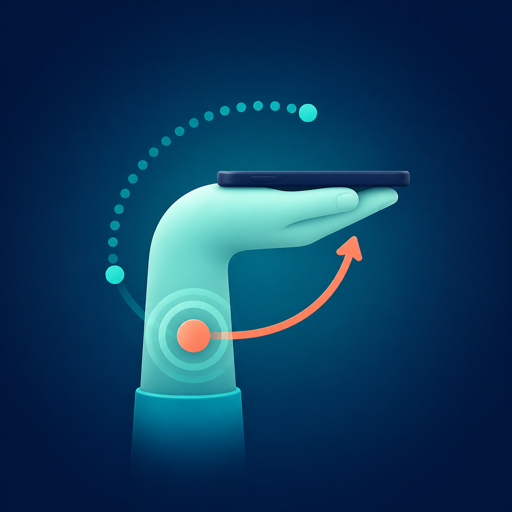
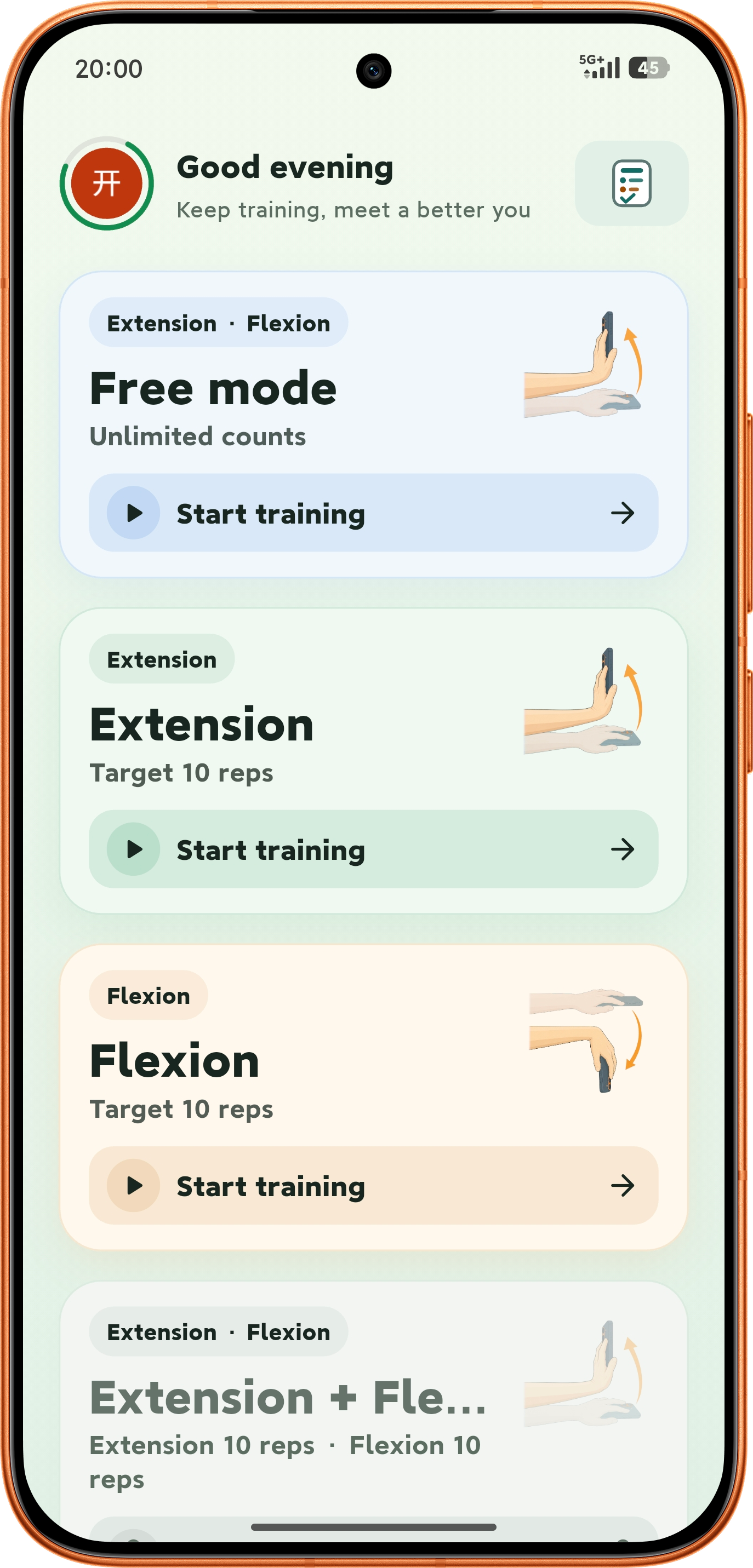
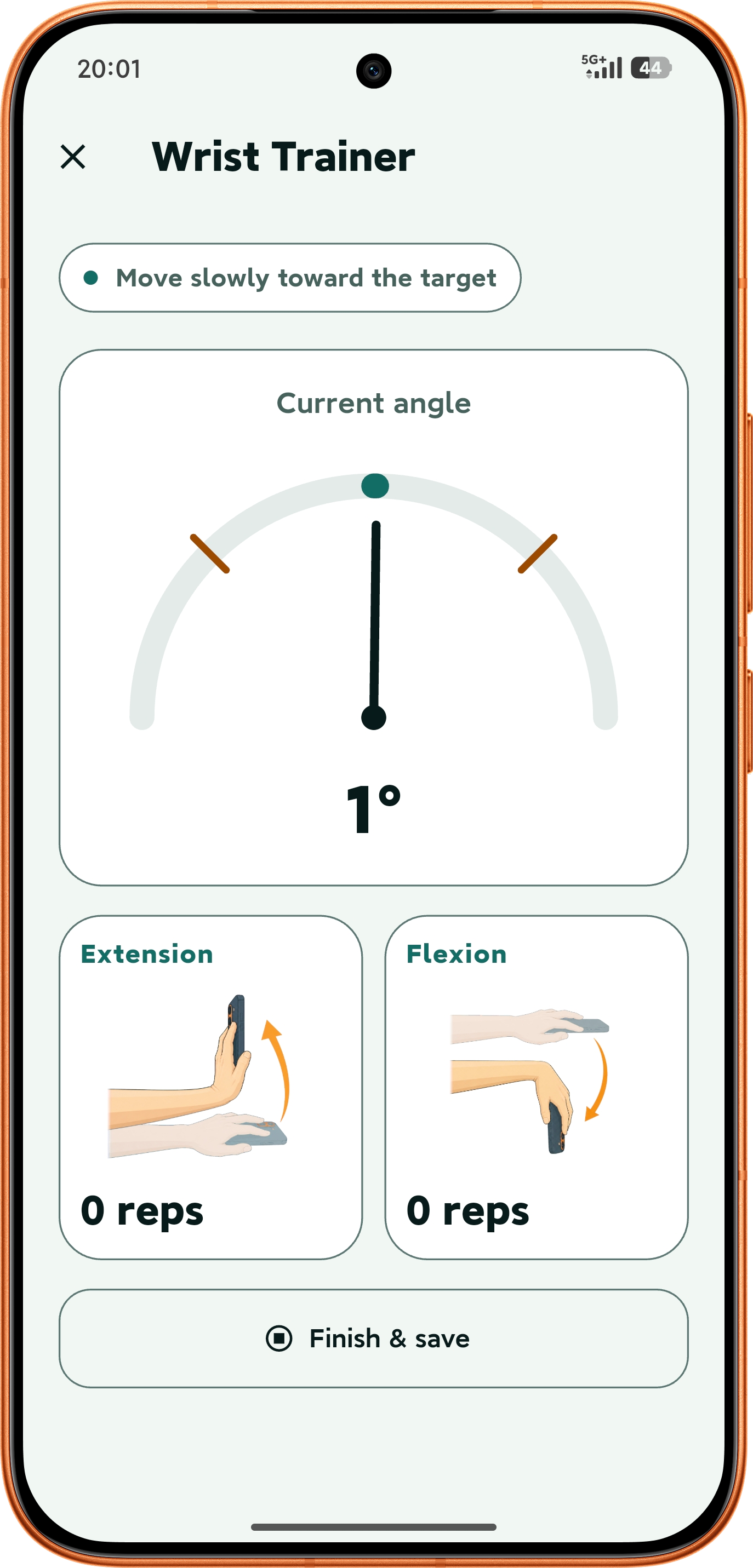
Wrist Trainer counts wrist extension and flexion from a phone held sideways, marks the target angle and hold duration, and stores each set locally on the device.
On-device processing · raw sensor samples never uploaded · no login for core training
Capabilities
Extension and flexion counting, target angle,and local session records.
Accelerometer and gyroscope samples are processed in device memory; extension and flexion are counted separately, and the target angle, hold duration, and session records all stay local.
Automatic counting
A rep counts after the target angle is held for the set duration; the next one unlocks once the wrist returns to neutral.
On-device processing
Raw sensor samples are never saved or uploaded; they are handled in memory during the session.
Session records
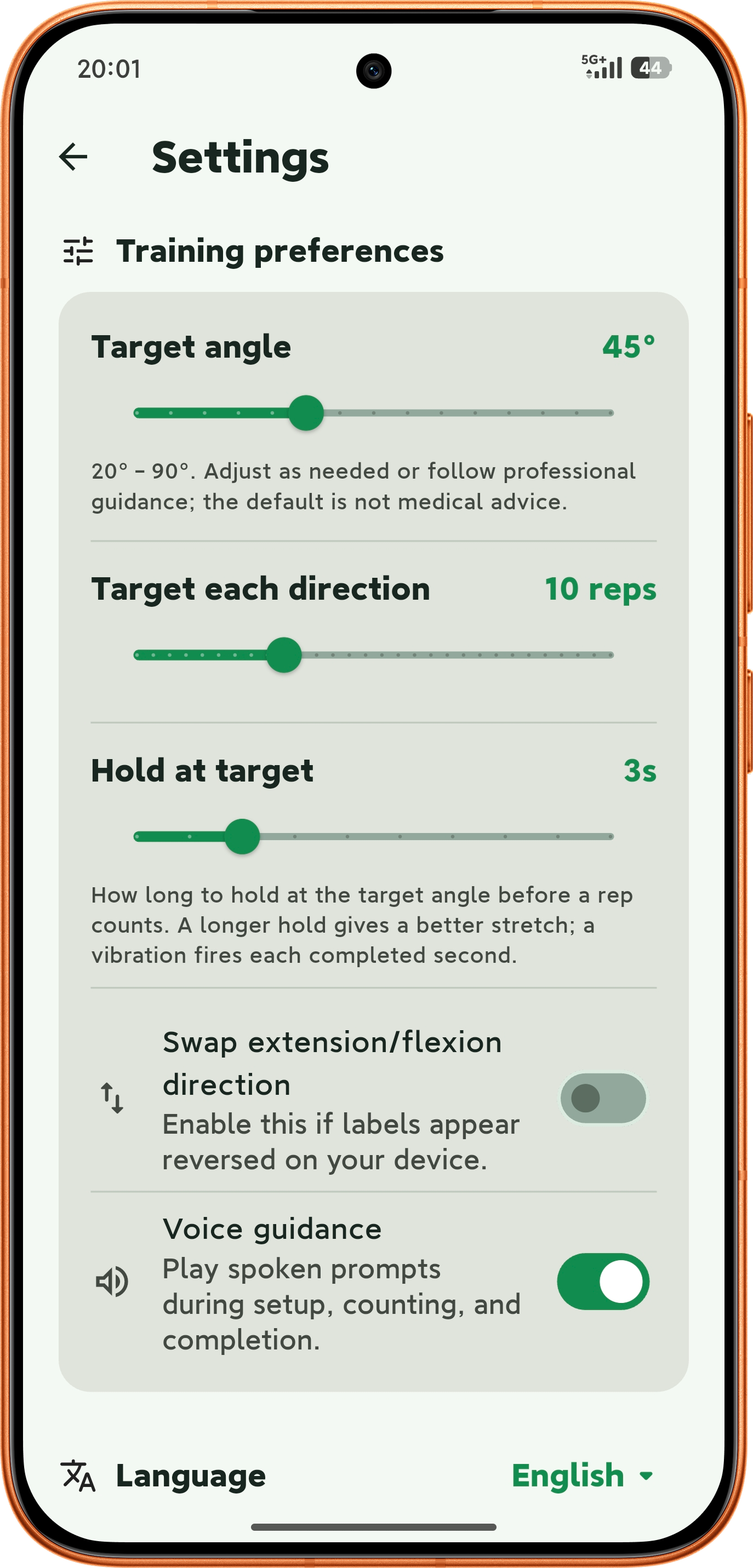
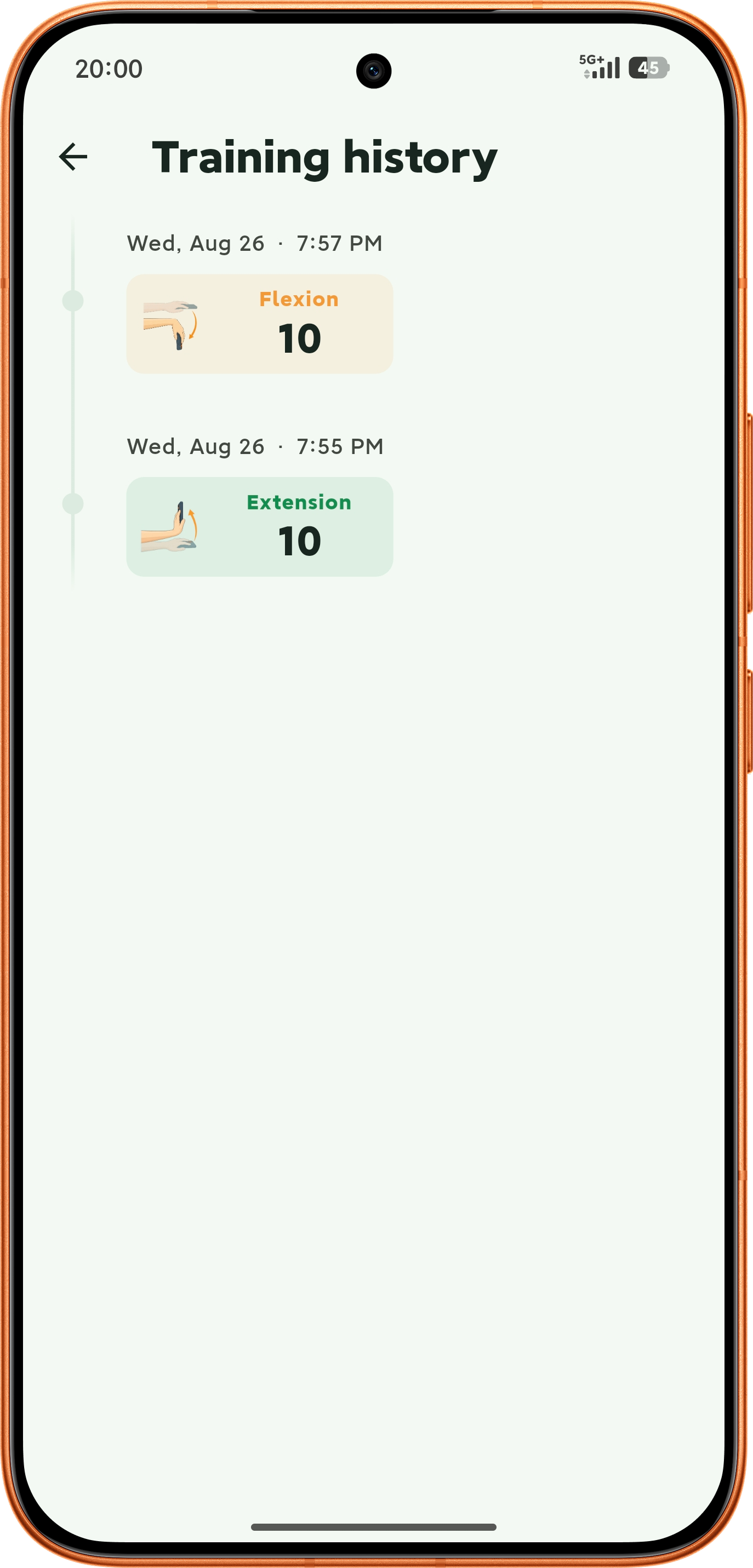
Each set stores its date, target angle, counts for both directions, and peak angle, with the most recent 100 kept locally.
Session records
Each set stores its date, target angle, counts for both directions, and peak angle, with the most recent 100 kept locally.
Interface
Five screens, from start to save.
Grip and calibration, live counting, history, and settings are separate screens; no screen interaction is needed mid-session.
Scope
Offline, both-direction counting,and the account boundary.
Core training needs no network or account; sign-in exists only for identity and membership ownership.
Works offline
Calibration, counting, saving, and history work without a network or an account.
Both directions
Extension and flexion are counted separately, with a return-to-neutral rule that prevents duplicate counts at the threshold.
Accounts and membership
Sign-in creates the app account; purchases and entitlements are verified separately, and signing in does not grant membership on its own.
Language and theme
Six interface languages, with light and dark themes and an option to follow the system.
How it works
Position the phone and start.
Three steps — grip, calibration, and counting — with no screen interaction during the movement.
- 01
Hold it sideways
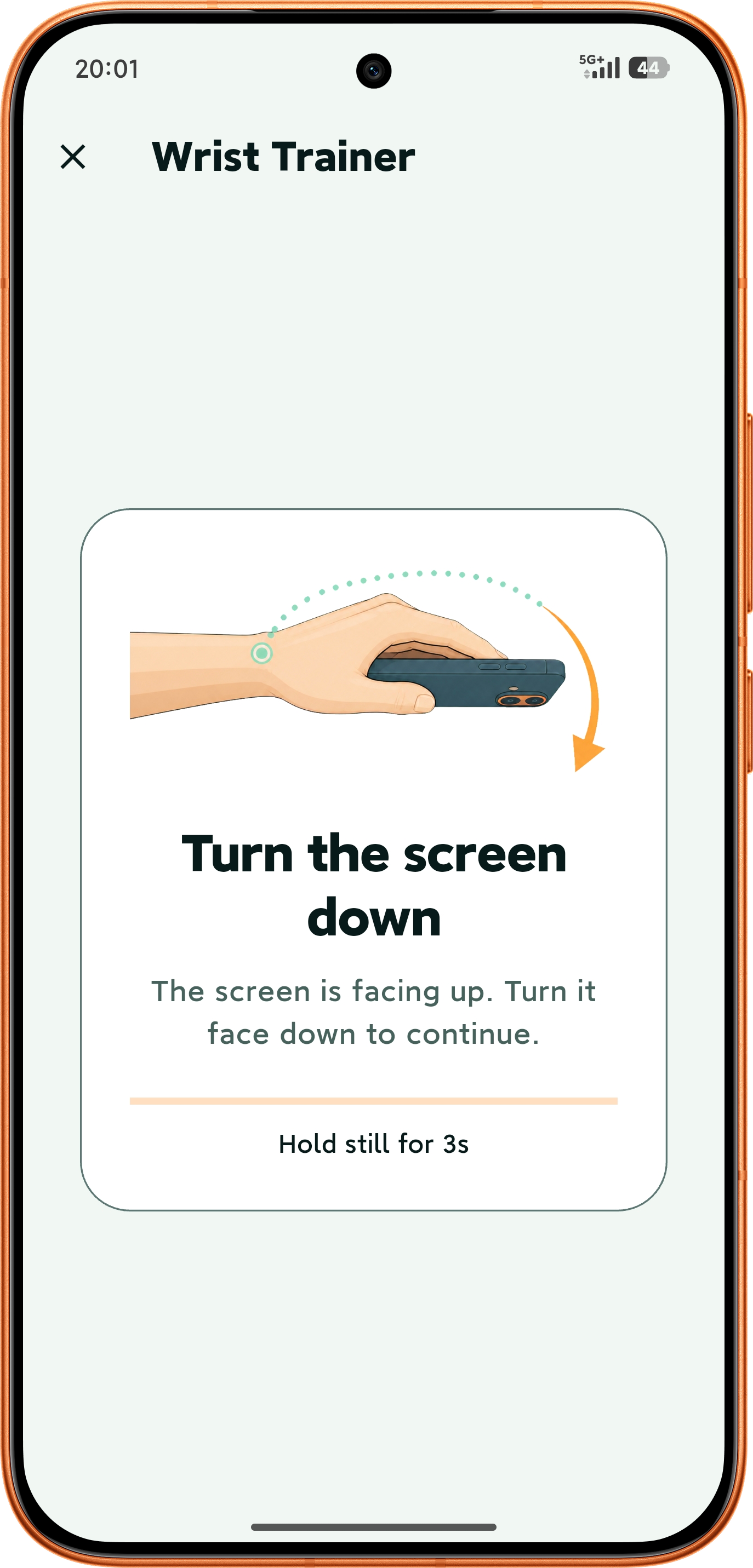
Screen facing down, forearm level, with the phone and wrist in the same plane of movement.
- 02
Stay still for three seconds
Neutral calibration completes after three continuous stable seconds; fast movement or an off-axis pose restarts the progress.
- 03
Move slowly and save
A rep counts once the target angle is reached and held; the set summary is saved at the end.
This estimates phone posture, not a clinical joint angle. Stop and seek professional advice if you feel pain, numbness, swelling, or discomfort.
FAQ
Frequently asked questions.
Common questions about grip, counting, data, and accounts.
How should the phone be held?
Sideways, screen facing down, forearm level, held still for three seconds. The interface stays portrait during training.
Is training data uploaded?
No. Raw sensor samples are never saved or uploaded; session records and settings stay on the device. Read the privacy policy
Can it double-count?
No. After a rep counts, the wrist must return to neutral before the next one unlocks. Jitter at the threshold does not keep adding reps.
Is an account required?
No. Core training, settings, and history all work without an account or a network.
Is this a medical measurement tool?
No. Wrist Trainer is not a medical device and does not diagnose or treat anything. Its angle is a phone-posture estimate, not a clinical joint measurement.
How can I contact support?
For privacy, product, or usage questions, email [email protected].